Using Amazon Pay to Checkout at 247Garden
Hi, to use Amazon Pay to checkout at 247Garden is very simple. Here are the 4 steps:
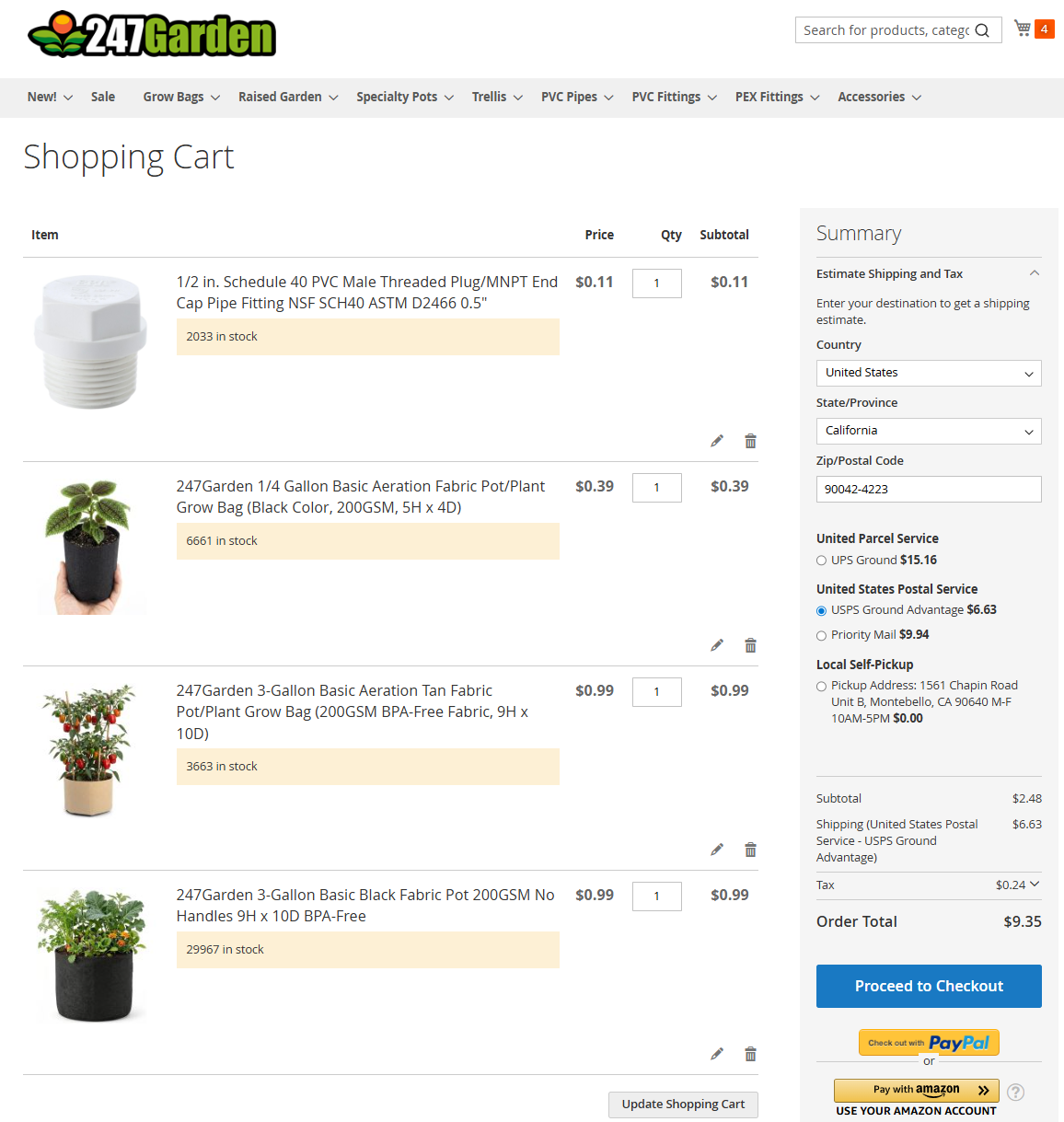
Step 1: Add the items to shopping cart and click Checkout with Amazon Pay
Add the items you want from 247Garden to shopping cart. Get Estimated Shipping and Tax. Then click on Pay with Amazon.
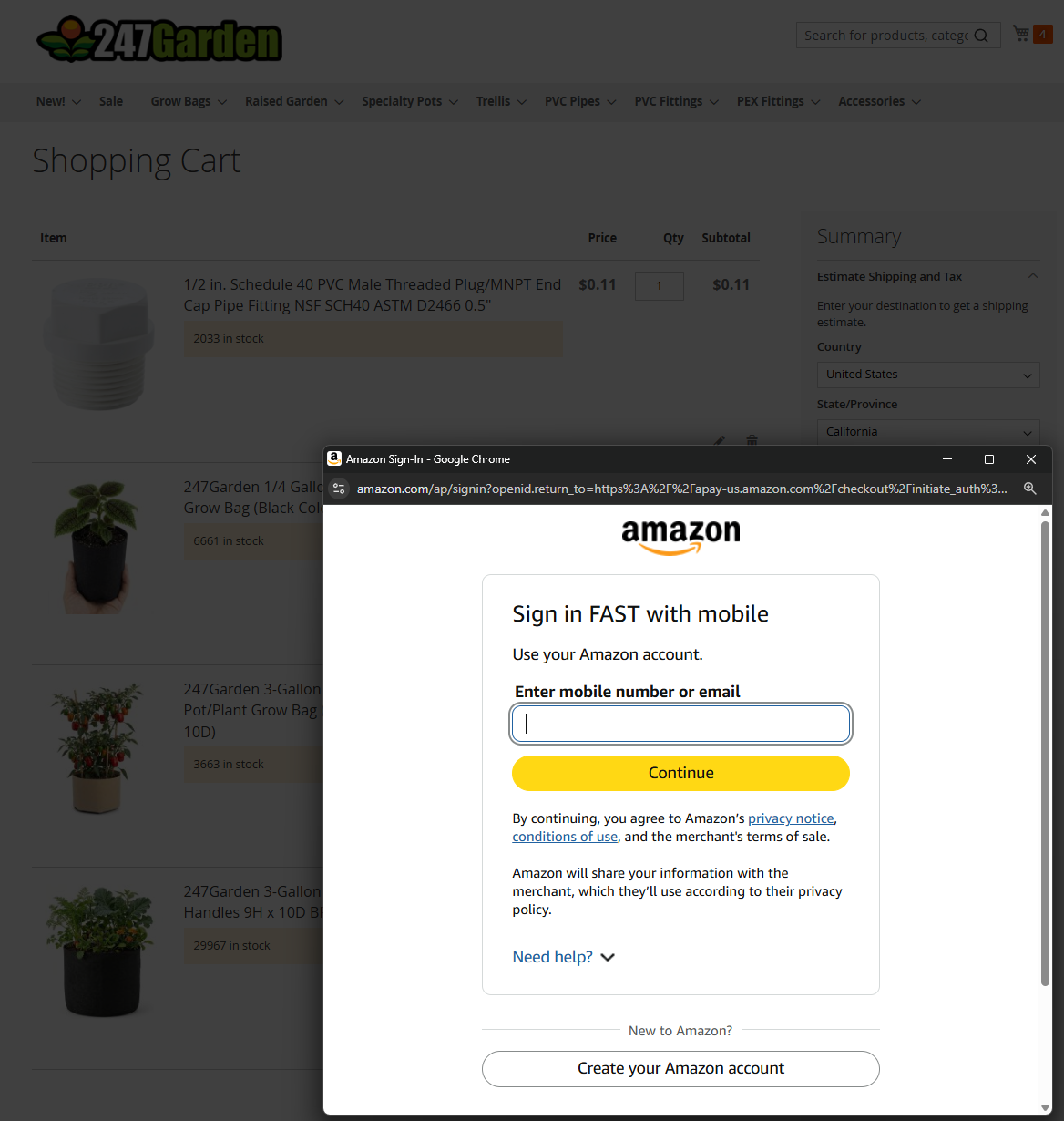
Step 2: Sign into your Amazon Pay account
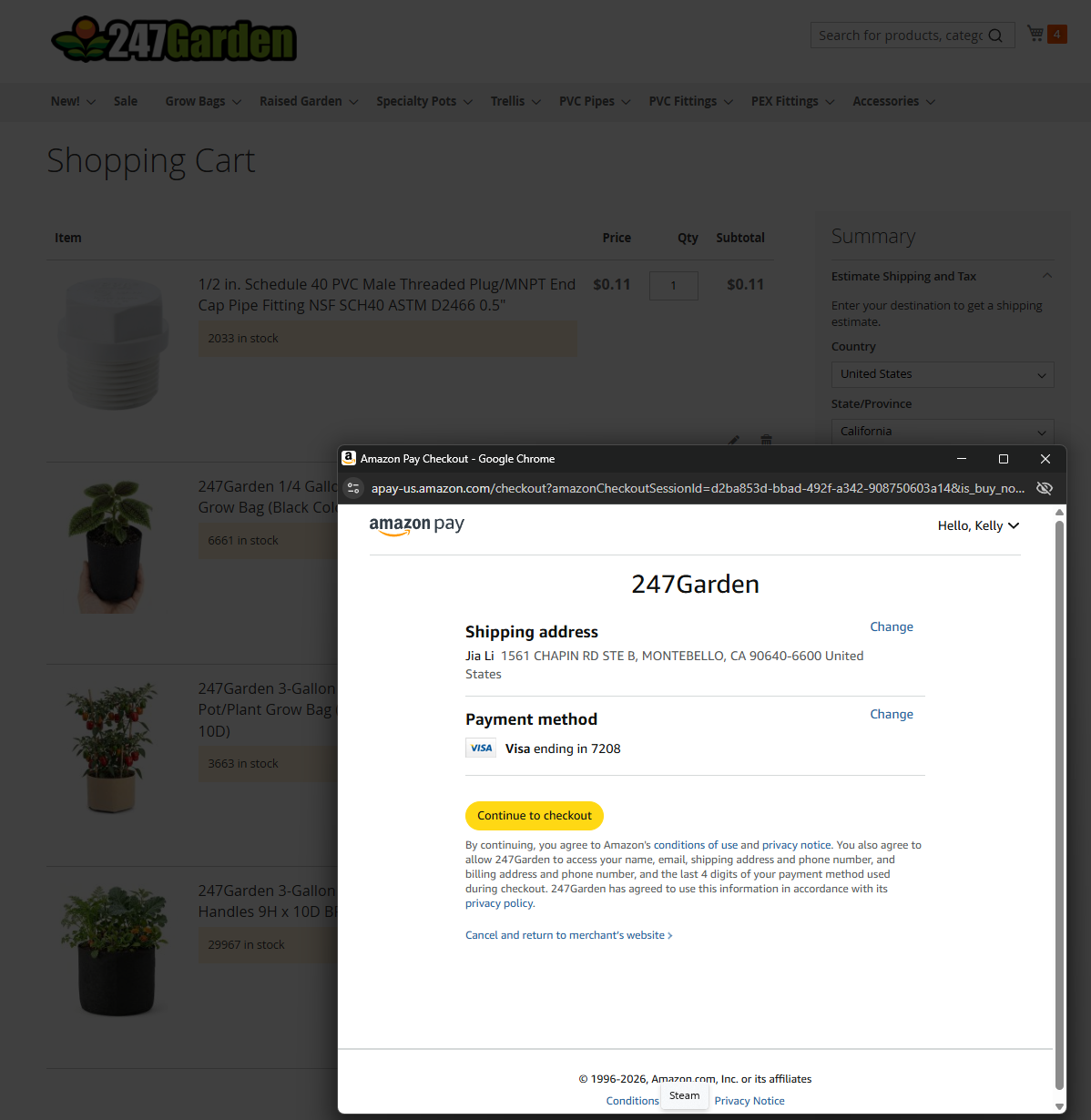
When you've clicked the orange Pay with Amazon button, you will see a popup to sign in to your Amazon account. Once logged in, you can select your Shipping Address and the Payment Method under your Amazon Pay profile. Then click the yellow Continue to Checkout button.
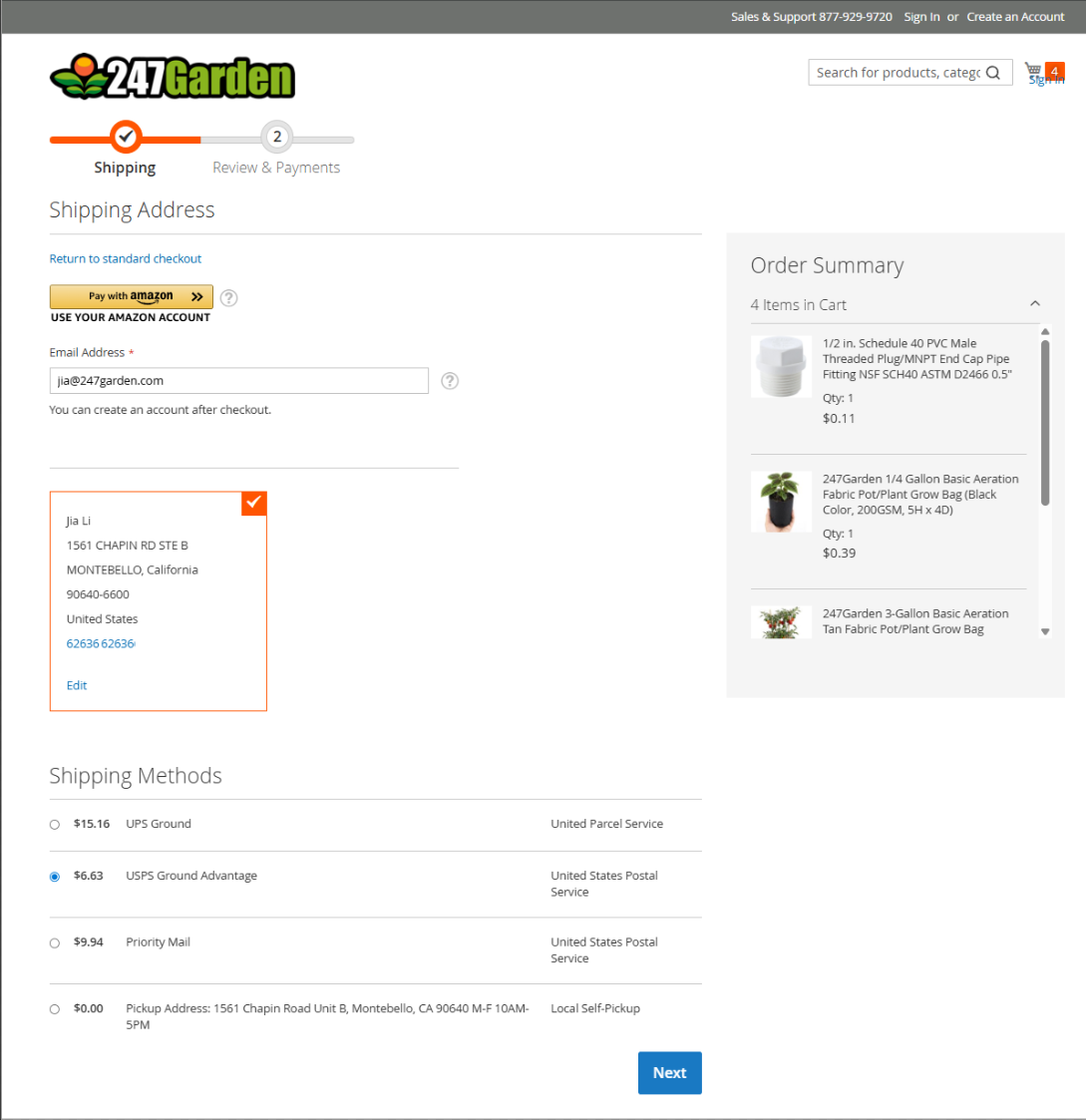
Step 3: Select Shipping Address and Shipping Method and click Next
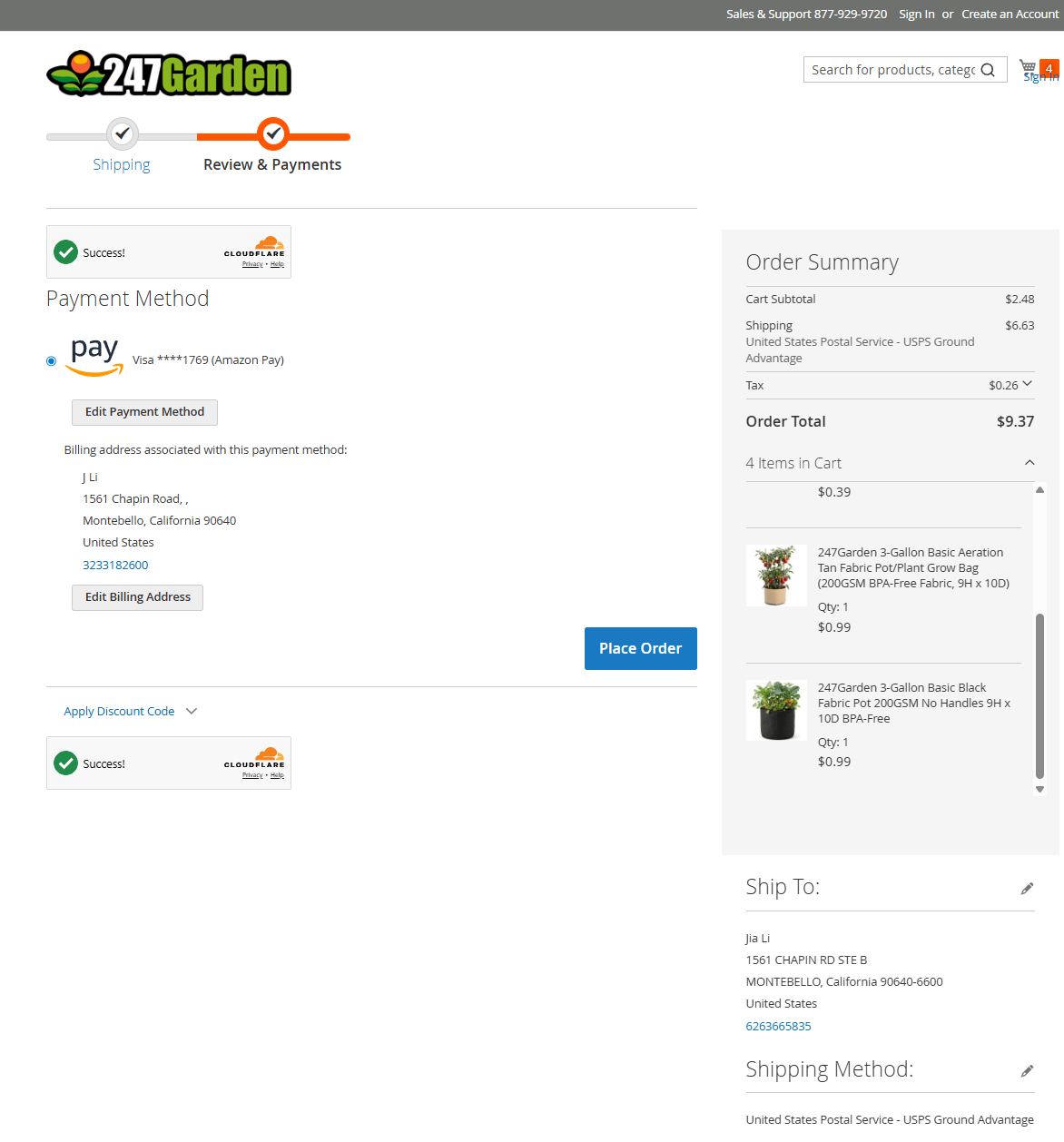
Once you've clicked the Continue to Checkout button, it will take you order summary page where you can review your items in cart, your email address, shipping address, shipping methods. If everything is good, click on the blue Next button on the bottom.
Step 4 and Final Step: Click the blue Place Order button!
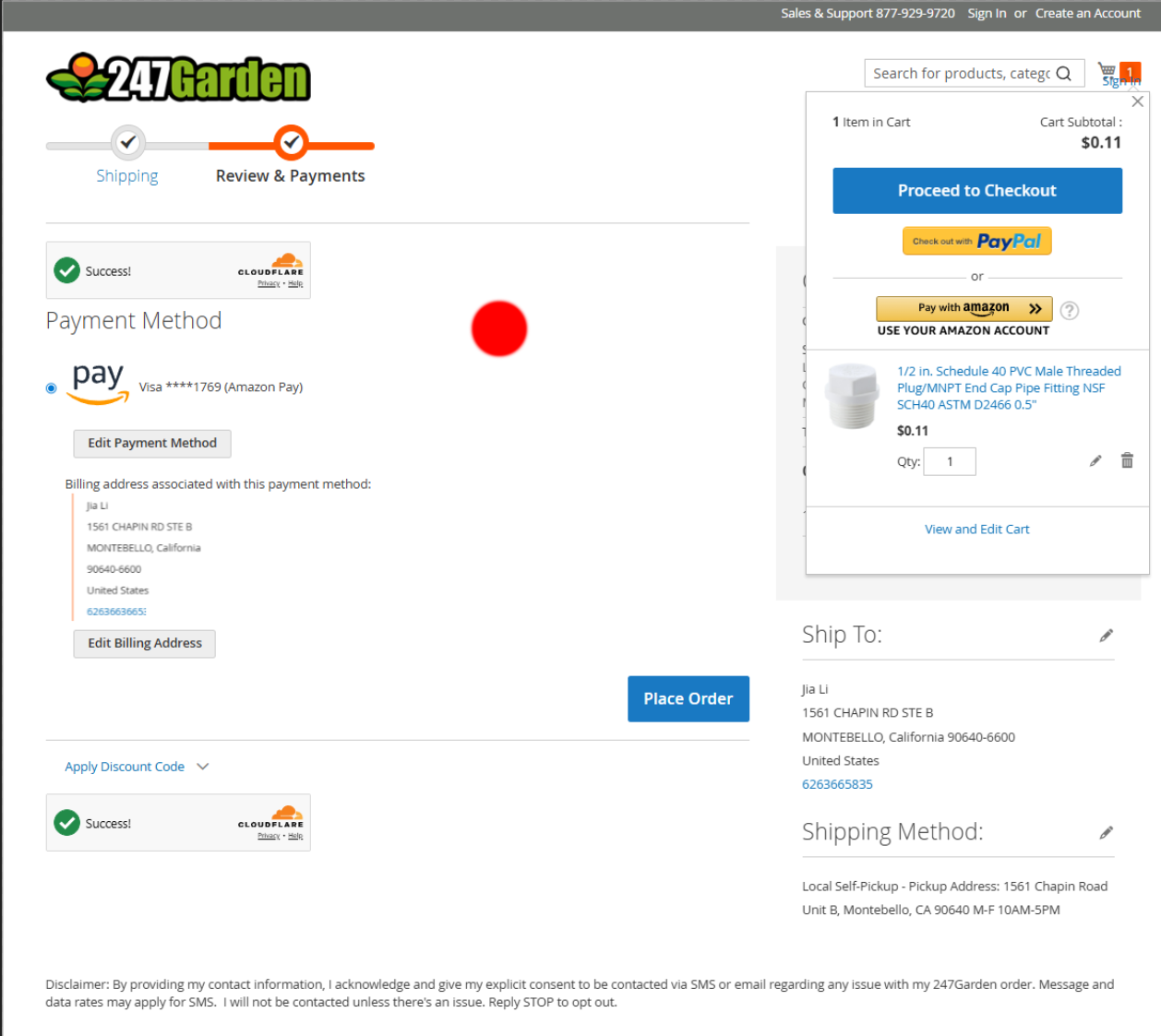
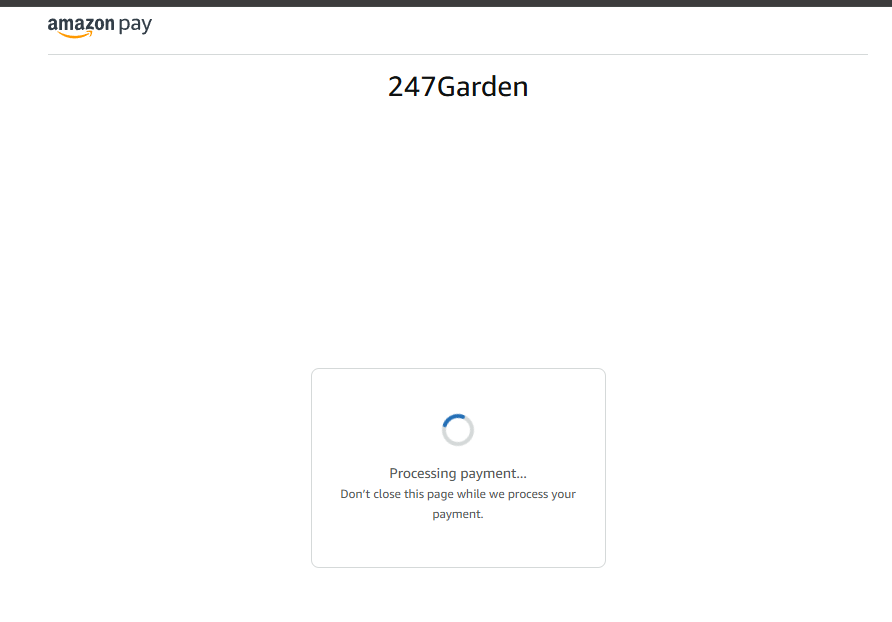
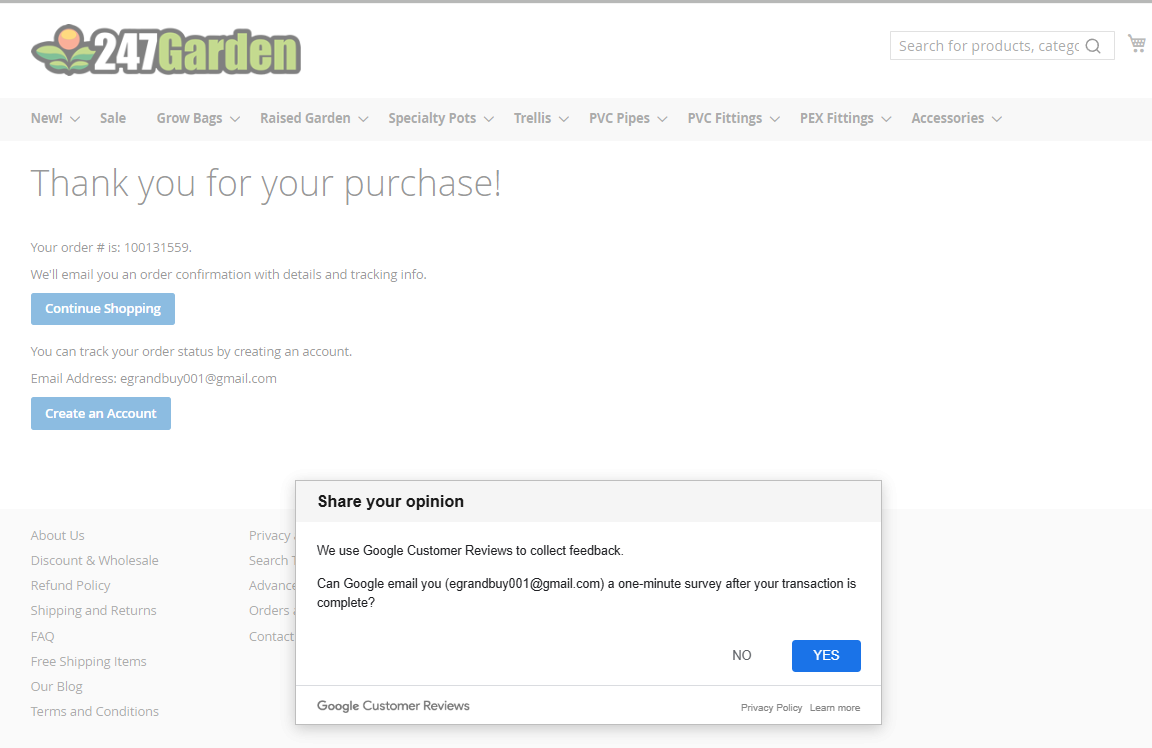
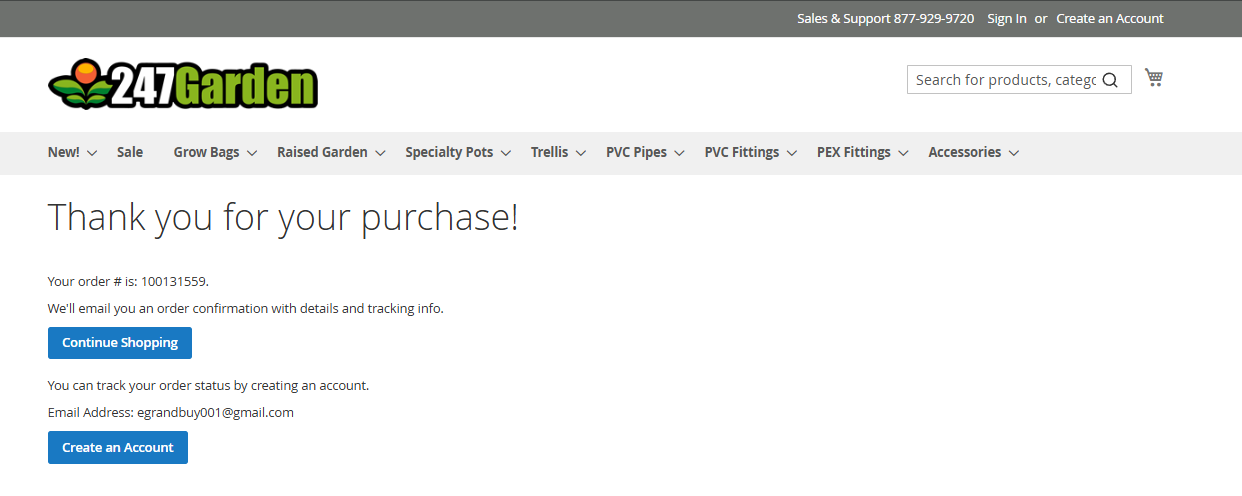
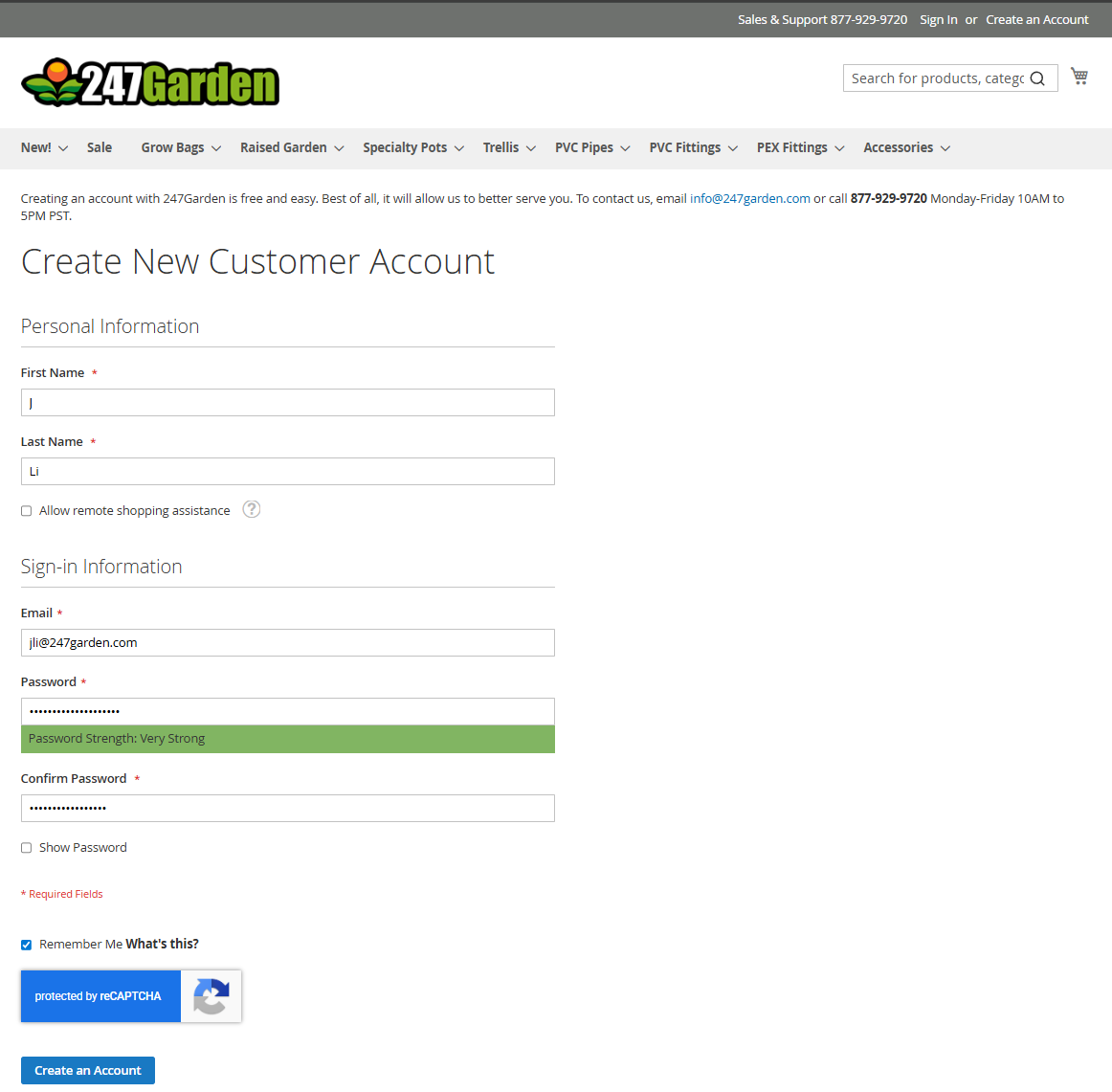
After you've clicked Next, you will get to review everything to make sure everything is correct such as your shipping address, payment method, order total. If you need to make any adjustment to the items in the shopping cart, you can simply click on the shopping cart item on the top to modify your cart. Then click on the Refresh button on your browser to update everything again and then you will next to click Next again to go back to the Review and Payments page. Once you've verified everything is correct, you just need to press the Place Order button to finish with the order. You will see a loading page and then shortly you will see Processing with Amazon Pay and finally you will see a Order Confirmation page with your order number. To make it easy, you can choose to create an account at the end if you want to keep track of your order history with 247Garden and to make repeat orders more easily. If you have any issue or concern, you can email us info@247garden.com or call/text 323-318-2600. We appreciate your business and please have a nice day!